The spreadsheet that knows every formula. Free in your browser.
Start typing in a blank sheet or a ready made template. 536 functions, charts, pivot tables and live collaboration, and your Excel files open just as they are. Nothing to install, and no account needed to try.
- No account needed to try
- Opens and saves .xlsx
- Works on phones

All the spreadsheet you need, none of the setup
The tools you reach for every day, plus a few you will wonder how you lived without.
- Every formulaDynamic arrays, XLOOKUP, LET and LAMBDA, with the names you know.
- Charts and pivot tables14 chart types and pivot tables that keep up with your data.
- Formatting and validationColour scales, data bars, icons, dropdowns and checkboxes.
- Real time collaborationEdit together, comment on cells and restore any version.
- Excel filesOpen .xlsx, .ods and CSV files and save them back.
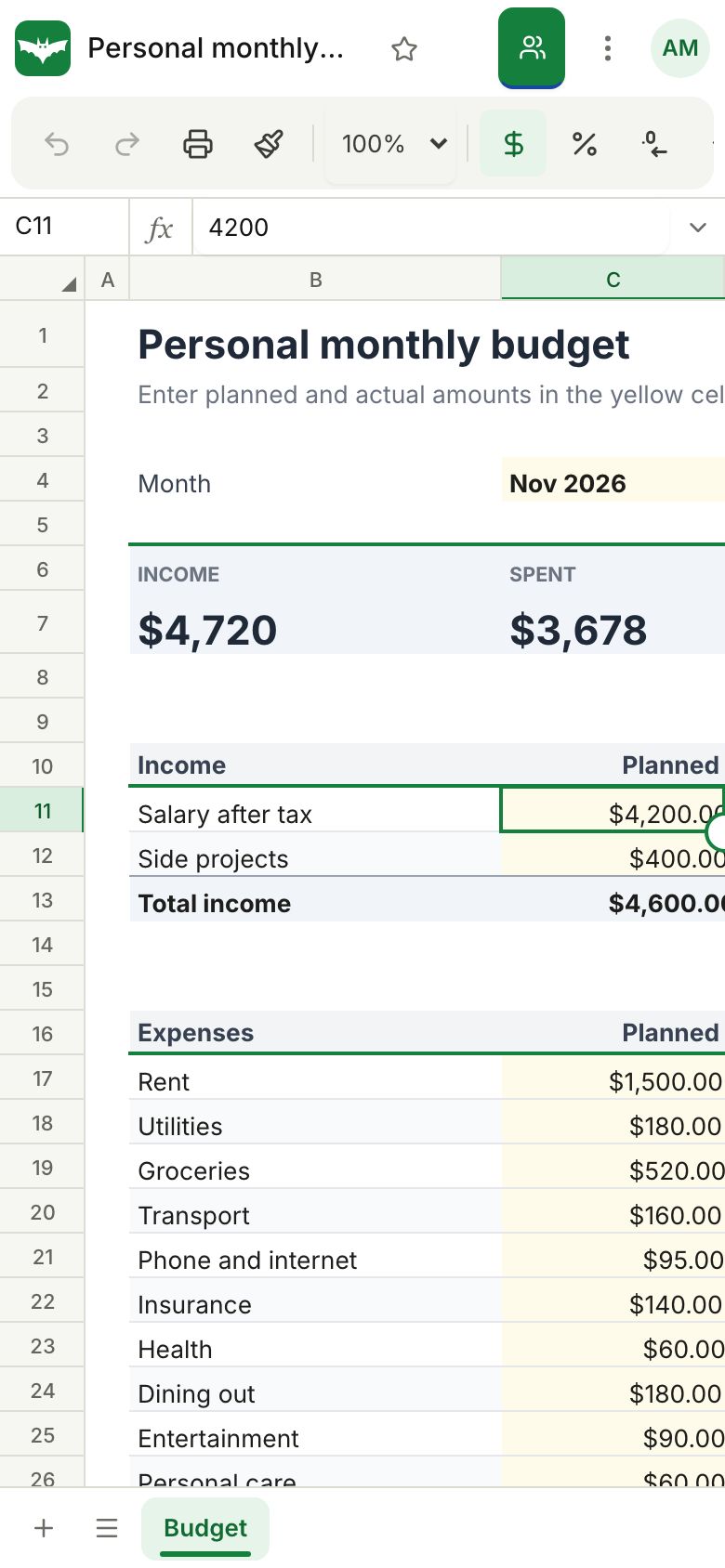
- Works on phonesBuilt for touch, so a quick update never waits for a laptop.
- SheetsBat AIWrites and explains formulas, builds tables and cleans data.
- OfficeBats DriveOne Drive for spreadsheets, documents and PDFs from every Bats app.
Type it the way you already know
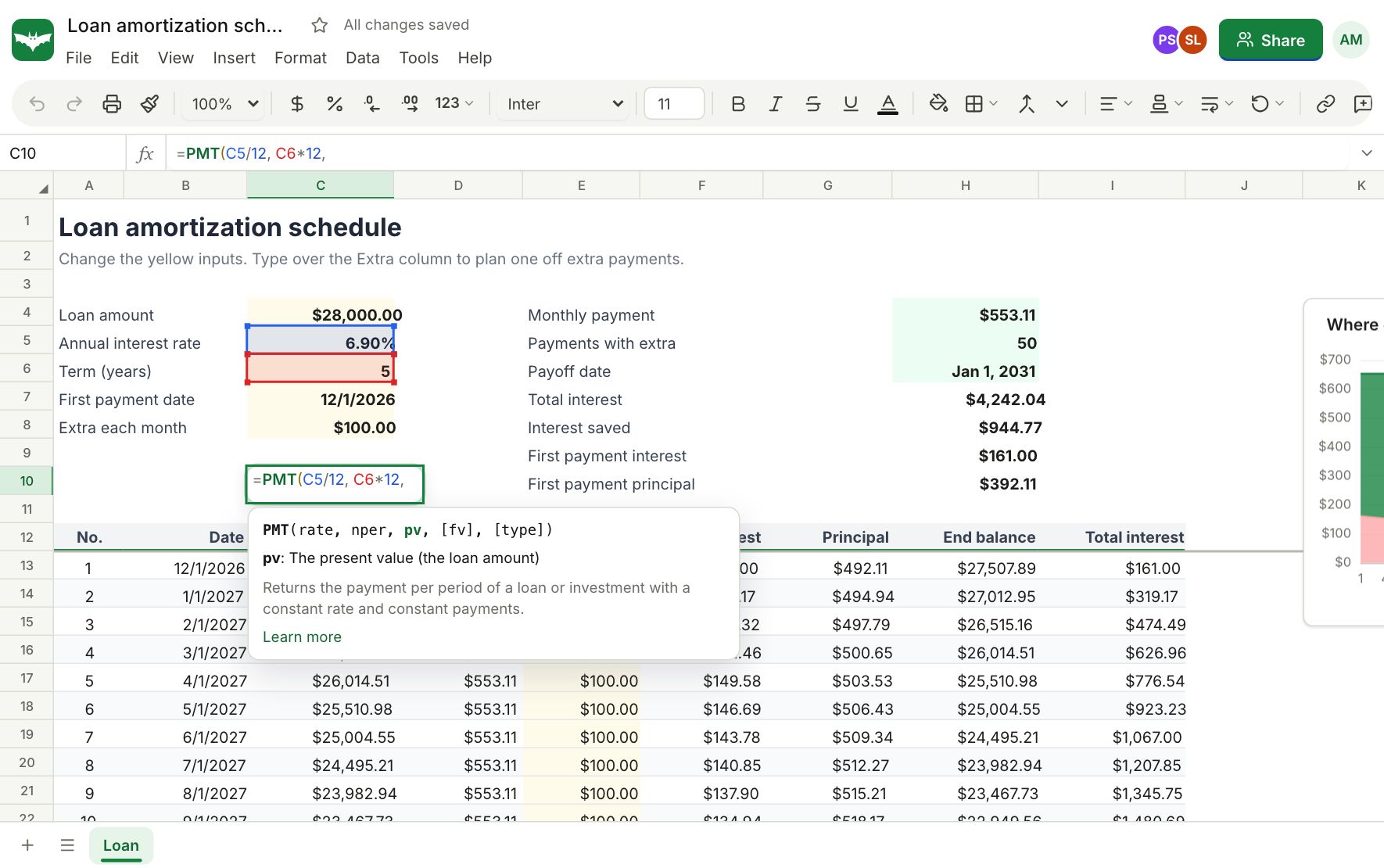
Function names, arguments and error values work the way spreadsheet people expect, so formulas you know by heart work the first time. Autocomplete shows every argument as you type.
- Results that spill: FILTER, SORT, UNIQUE, SEQUENCE and more
- LET and LAMBDA for formulas you can read and reuse
- Tables with structured references like Sales[Revenue]
- A reference page with examples for every function
Numbers that explain themselves
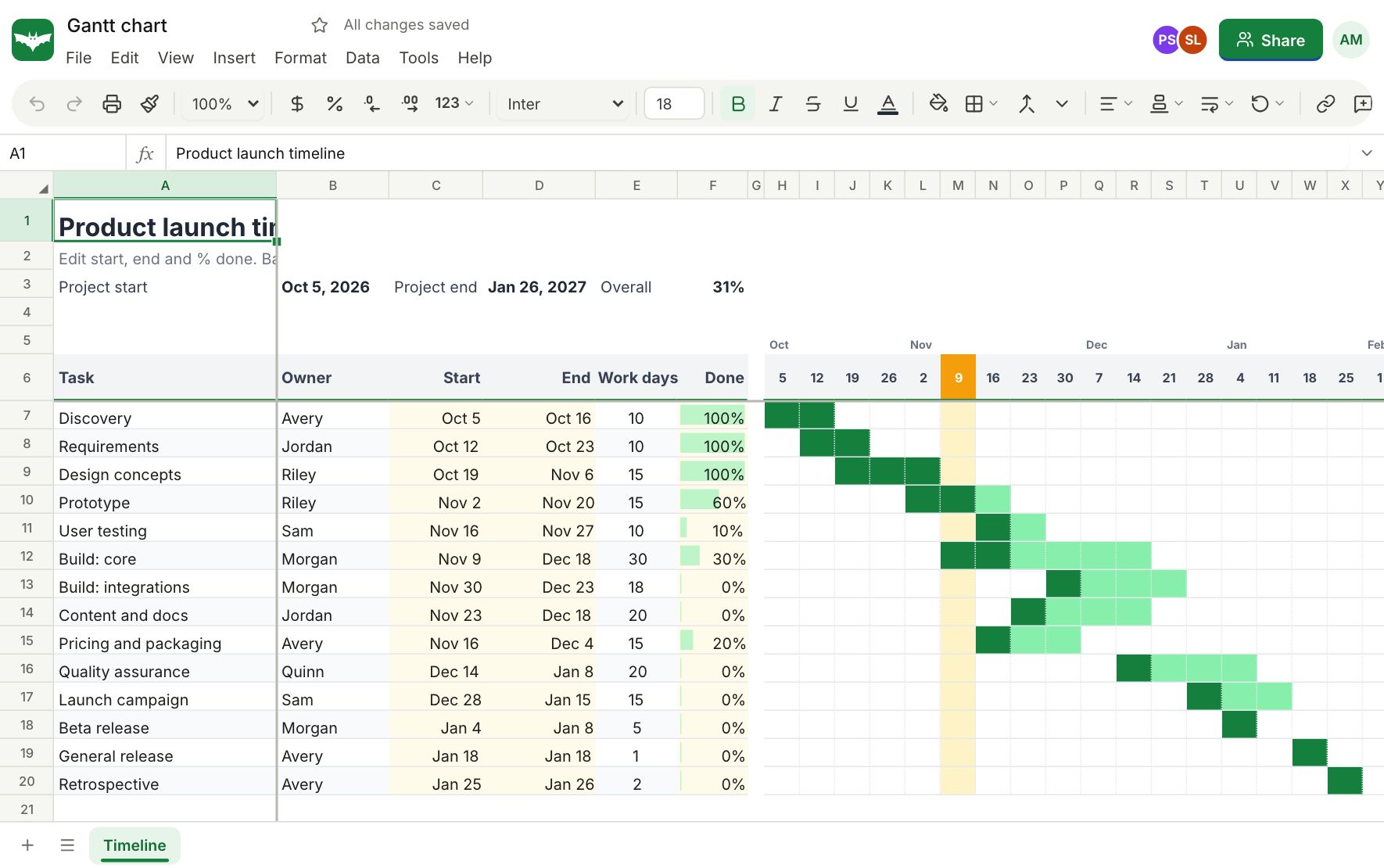
Insert a chart next to your data and watch it follow every change. Summarize thousands of rows with a pivot table, and let conditional formatting point out what needs attention.
- Column, line, pie, combo, scatter, waterfall, funnel, treemap and more
- Pivot tables with date grouping and percent of total
- Colour scales, data bars, icon sets and formula rules
- Dropdowns with coloured chips, checkboxes and validation
Everyone in the same sheet, at the same time
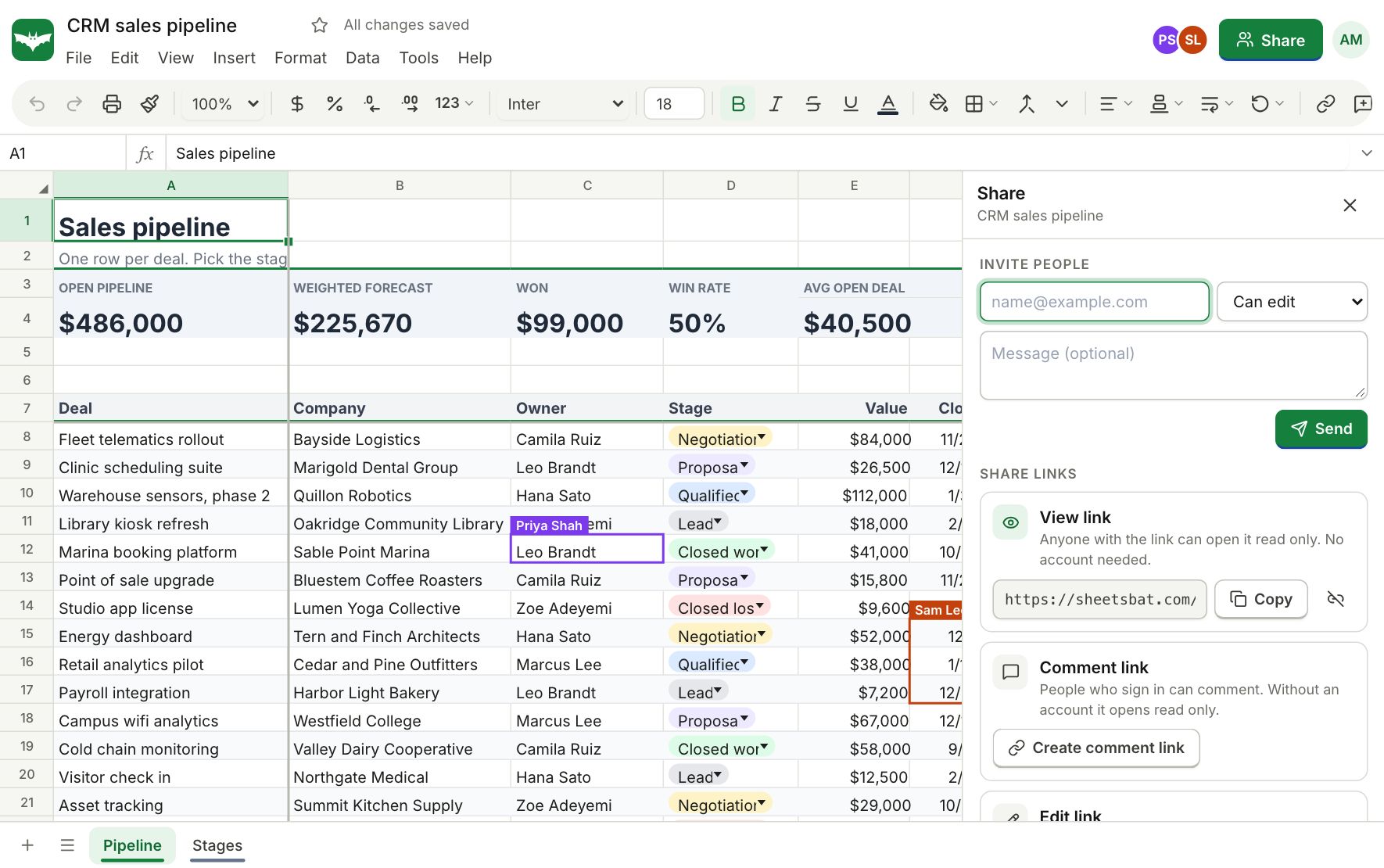
Share a workbook with a person or a link and edit it together. See where others are working, talk it through in comment threads on cells, and step back to any earlier version.
- Viewer, commenter and editor roles for people and links
- Comment threads you can resolve, and simple notes
- Version history with named versions and one click restore
Say what you want. Get the formula.
Describe the result in plain words and SheetsBat AI writes the formula, using your real headers and ranges. You see it before it goes in, and Undo takes it out.
- Write formulas"Total revenue for the North region in March" becomes a working SUMIFS in the active cell.
- Explain formulasA summary, the steps in order and what each part means, for any formula someone else wrote.
- Build, analyze and cleanLay out a new table from a sentence, ask questions about your data and tidy messy columns.
One credit wallet for every Bats app. Buy more any time on OfficeBats; purchased credits never expire. How SheetsBat AI works
A real spreadsheet in your pocket
Pinch to zoom, tap to edit and slide up the menus with one thumb. Add SheetsBat to your home screen and it opens like an app.
Spreadsheets on the go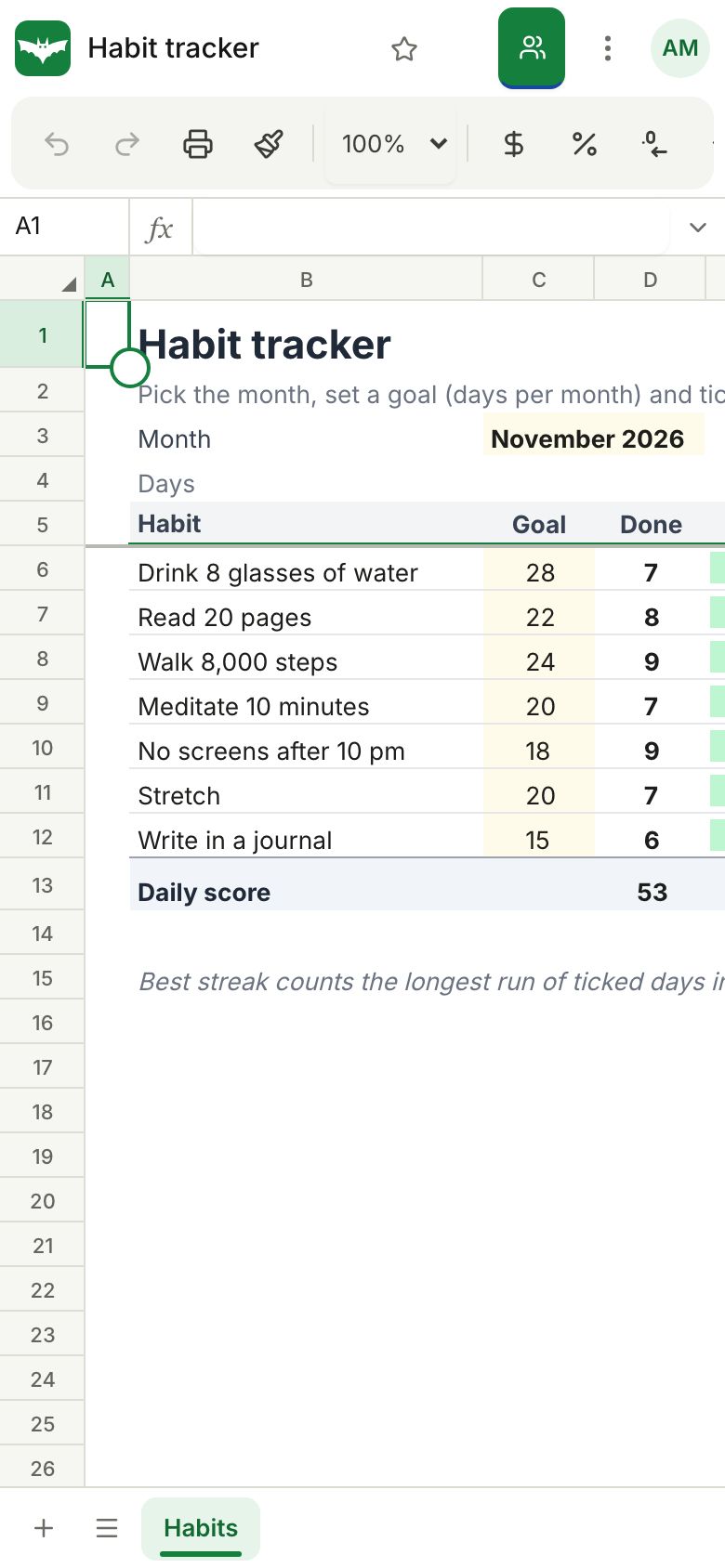
Your .xlsx files, as they are
Open Excel, OpenDocument and CSV files with their formulas, formatting, tables and rules. Download them again as .xlsx, .ods, CSV or PDF.
Open an Excel file- .xlsxOpen and save
- .odsOpen and save
- .csvOpen and save
- .tsvOpen and save
- .xlsmOpen
- .pdfSave
Open files straight from your OfficeBats Drive and save copies back.
Start with a sheet that already works
Budgets, invoices, loan schedules, dashboards, trackers and planners with the formulas in place. All free.
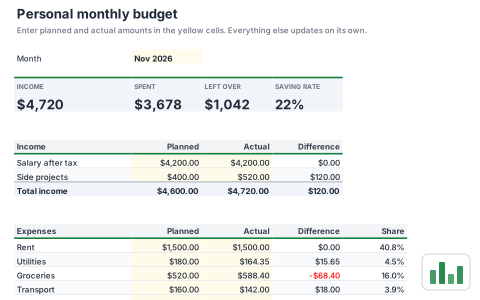 FinancePersonal monthly budgetPlan income and spending for the month and see what is left at a glance. Compare planned and actual amounts by category with a chart.
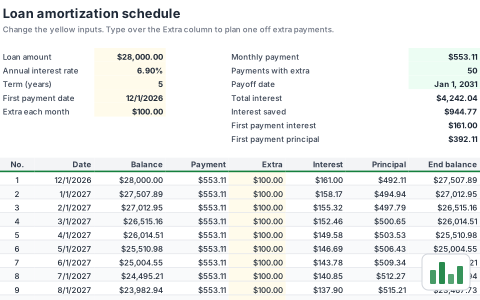 FinanceLoan amortization scheduleSee every monthly payment split into interest and principal, with room for extra payments. Find out how much interest and time extra payments save.
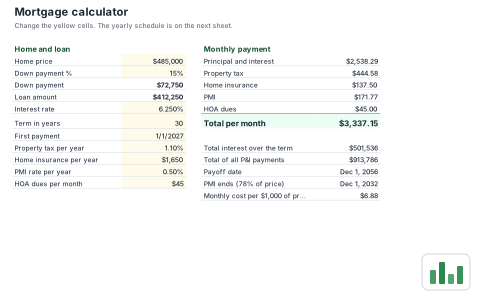 FinanceMortgage calculatorWork out the full monthly cost of a home loan including property tax, insurance, PMI and HOA dues. A yearly schedule shows principal, interest and equity over the term.
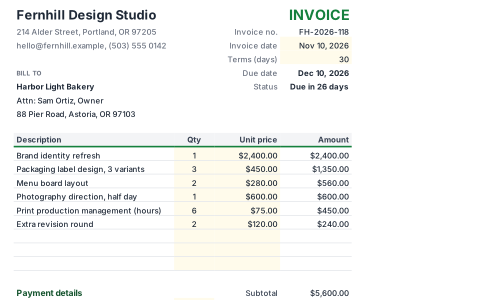 BusinessInvoiceA clean, printable invoice with line items, discount, tax and a due date worked out from your payment terms. The balance due updates as you type.
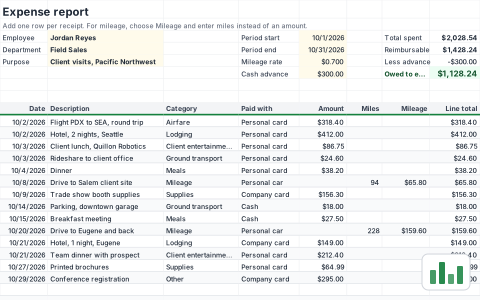 BusinessExpense reportLog business expenses and mileage for a period and see exactly what is owed back. Company card spending is tracked but not reimbursed.
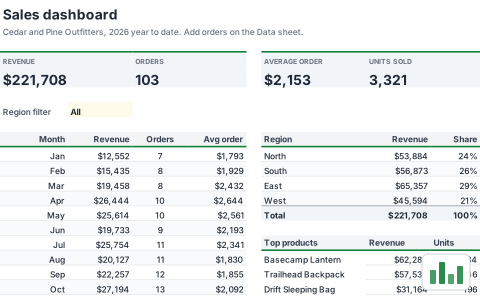 SalesSales dashboardA year to date sales dashboard with revenue, orders and average order value, monthly trend, region split and top products. Add orders to the Data sheet and everything updates.
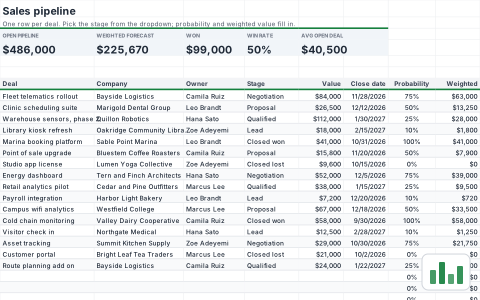 SalesCRM sales pipelineTrack deals by stage with a probability for each stage and a weighted forecast by close month. Late deals and contacts going cold are flagged automatically.
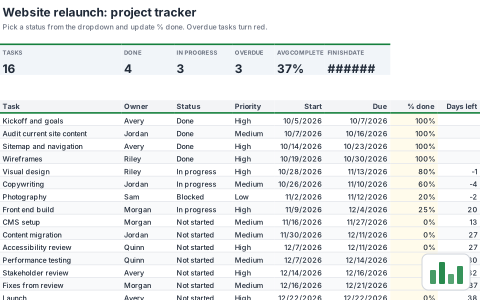 ProjectsProject trackerTrack every task with an owner, status, priority and due date. Overdue work turns red and the summary counts update as you go.
Free to start. One plan for every Bats app.
Pro is the OfficeBats plan: one price covers SheetsBat and every other Bats app. New accounts get a 3 day trial of every Bats app and 2,500 welcome AI credits.
- 25 workbooks
- Every function, chart and template
- Real time collaboration
- 300 AI credits a month
- Unlimited workbooks
- 5 million cells per workbook, 50 MB imports
- A year of version history, 100 collaborators
- 5,000 AI credits a month
One account for every Bats app
Sign in once and use them all, with one Drive, one AI wallet and one plan.
Questions, answered
Is SheetsBat free?
Yes. The Free plan includes 25 workbooks, every function, charts, pivot tables, templates, real time collaboration and 300 AI credits a month. Pro removes the workbook limit and raises every other limit.
Do I need an account to try it?
No. Open a blank sheet or a template and start typing. Your sheet stays in this browser until you create a free account to save it, share it and open it on other devices.
Can I open and save Excel files?
Yes. SheetsBat opens .xlsx, .ods, .csv and .tsv files with their formulas and formatting, and downloads workbooks as .xlsx, .ods, CSV, TSV or PDF.
Which functions does SheetsBat support?
536 functions, including XLOOKUP, FILTER, SORT, UNIQUE, SUMIFS, LET, LAMBDA, GROUPBY and PIVOTBY, with results that spill into neighbouring cells. Every function has a reference page with examples.
How does the AI work and what does it cost?
SheetsBat AI writes a formula from a plain description, explains formulas, builds tables, analyzes data and cleans messy columns. It uses credits from your OfficeBats wallet: 300 a month on Free, 5,000 on Pro and 20,000 on Business.
Can I work on a spreadsheet with other people?
Yes. Share a workbook with people or with a link, edit it together in real time, discuss cells in comment threads and restore earlier versions from the history.
Does it work on my phone?
Yes. SheetsBat is built for touch, with pinch to zoom, tap to edit and panels that slide up from the bottom. Add it to your home screen to open it like an app.
What is OfficeBats?
OfficeBats is the account behind SheetsBat and its sister apps for documents, PDFs, slides, forms and accounting. One sign in, one Drive, one AI wallet and one plan for all of them, managed on officebats.com.
Your next spreadsheet is one click away
Open a blank sheet and start typing. Create a free account when you want to keep it.