Open an Excel file. Edit it. Save it back.
Drop an .xlsx, .csv or .ods file into SheetsBat and it opens with its formulas, formatting, merged cells, tables, charts and conditional formats. When you are done, download it as .xlsx, CSV, TSV, ODS or PDF.
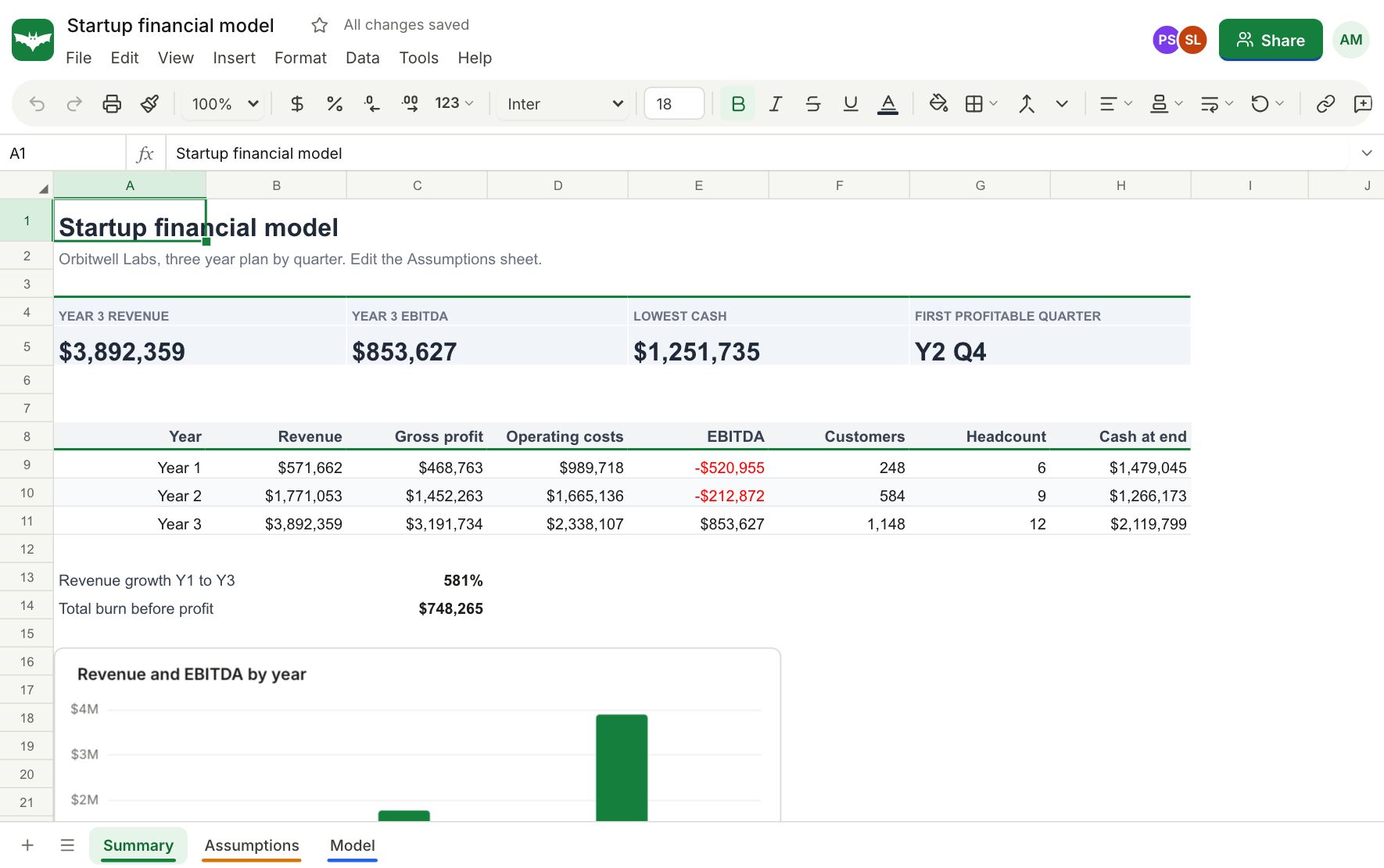
What comes across
SheetsBat reads the parts of a workbook that matter for everyday work and keeps them when you save again.
- Values, formulas and their number formats
- Fonts, fills, borders, alignment, wrap and merged cells
- Column widths, row heights, hidden and grouped rows and columns, frozen panes
- Tables, named ranges, conditional formatting and data validation
- Charts and notes when a file opens, and several sheets per workbook
File types
Open .xlsx, .xlsm, .xltx, .ods, .csv, .tsv and .txt files. Download as .xlsx, .ods, .csv, .tsv or a print ready PDF with your page setup. Macros in .xlsm files are not run and are not kept.
Straight from your Drive
Spreadsheets in your OfficeBats Drive open with one click from My sheets. Save a copy back to the Drive whenever you like, and the file is there for every Bats app.
Limits
Free accounts import files up to 10 MB with up to 500,000 filled cells. Pro raises that to 50 MB and 5 million cells per workbook.
Questions about open excel files
Do I need Excel installed?
No. SheetsBat runs in your browser on Windows, macOS, Linux, Chromebooks, tablets and phones.
Will my formulas keep working?
Yes. Formulas are imported as formulas and recalculated by SheetsBat, which supports 536 functions including dynamic arrays.
Are macros supported?
No. SheetsBat does not run VBA macros. A macro enabled file opens with its data, formulas and formatting, and the macros are left out.
Can I open CSV files with another separator?
Yes. Comma, tab and semicolon separated files are detected when they open.
Can I open a file without an account?
You can try SheetsBat without an account. To import files and keep them, create a free account.
Keep exploring
- OfficeBats DriveKeep spreadsheets, documents and PDFs in one OfficeBats Drive shared by every Bats app. Open files from it in SheetsBat and save copies back with one click.
- FormulasWrite formulas the way you already know: XLOOKUP, FILTER, SUMIFS, LET, LAMBDA and 536 functions in all, with spilling arrays, tables and named ranges.
- ChartsColumn, line, pie, combo, scatter, waterfall, funnel, treemap and more. Charts sit on the sheet, update as numbers change and export with the workbook.
See it for yourself
Open a blank sheet or a template. No account needed to try it.