One Drive for every Bats app
Your OfficeBats account comes with one Drive that every Bats app uses. Open a spreadsheet from it in SheetsBat, save an .xlsx copy back, and find the same file from DocsBat, PDFbat or any other Bats app.
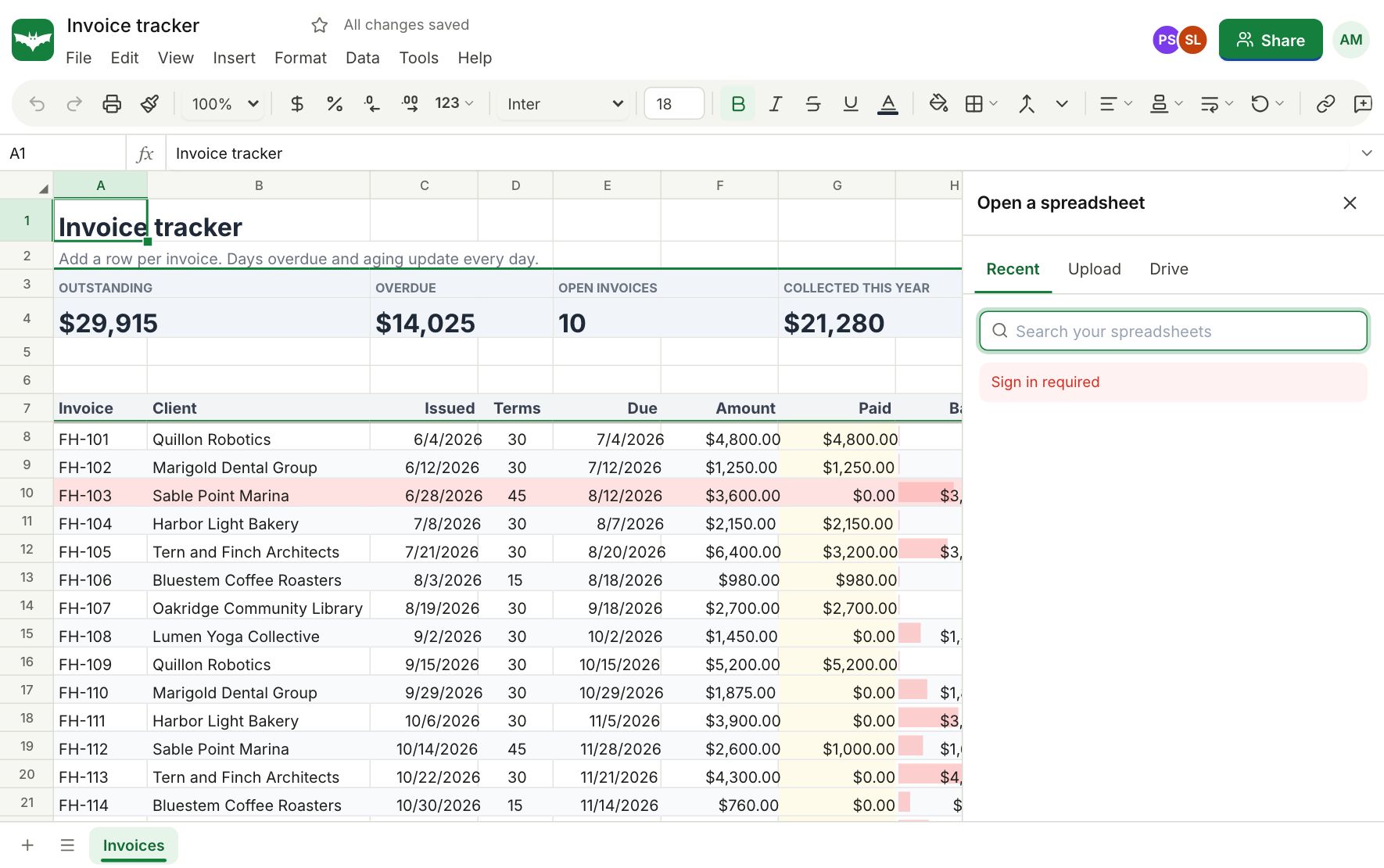
Open from Drive
In My sheets, choose Open from Drive and pick any .xlsx, .csv or .ods file. SheetsBat opens it as a workbook and remembers where it came from.
Save to Drive
Save an .xlsx, CSV or PDF copy of a workbook to the Drive whenever you need a file to send or archive. Exports land in a SheetsBat folder so they are easy to find.
One account, one plan
Your OfficeBats account signs you in to every Bats app, and the Pro plan covers all of them. Storage, AI credits and billing are shared, so there is one place to manage it all.
Questions about the OfficeBats Drive
How much storage do I get?
Storage depends on your OfficeBats plan and is shared by every Bats app. You can see your usage and add more on OfficeBats.
Are my workbooks stored in the Drive?
Workbooks live in SheetsBat, under My sheets. The Drive holds files: the spreadsheets you upload and the copies you export.
Can I open a Drive file in another Bats app?
Yes. Every Bats app can open the files in your Drive.
Who can see my Drive?
Only you, unless you share a file.
Do I need a separate account for the Drive?
No. It comes with your OfficeBats account, the same one you use for SheetsBat.
Keep exploring
- Open Excel filesOpen .xlsx, .csv and .ods files in your browser, edit them with formulas, charts and formatting, then download them again as .xlsx, CSV or PDF.
- CollaborationShare a workbook, edit it together and see who is where. Comment threads, share links with roles and version history keep everyone on the same page.
- SheetsBat AIDescribe what you need and SheetsBat AI writes the formula, explains it step by step, builds a table, analyzes your data or cleans messy columns. Credits included.
See it for yourself
Open a blank sheet or a template. No account needed to try it.