A real spreadsheet in your pocket
SheetsBat works on phones and tablets without an app to install. Pinch to zoom, tap a cell to edit, and use the same formulas, charts and templates you have on your computer.
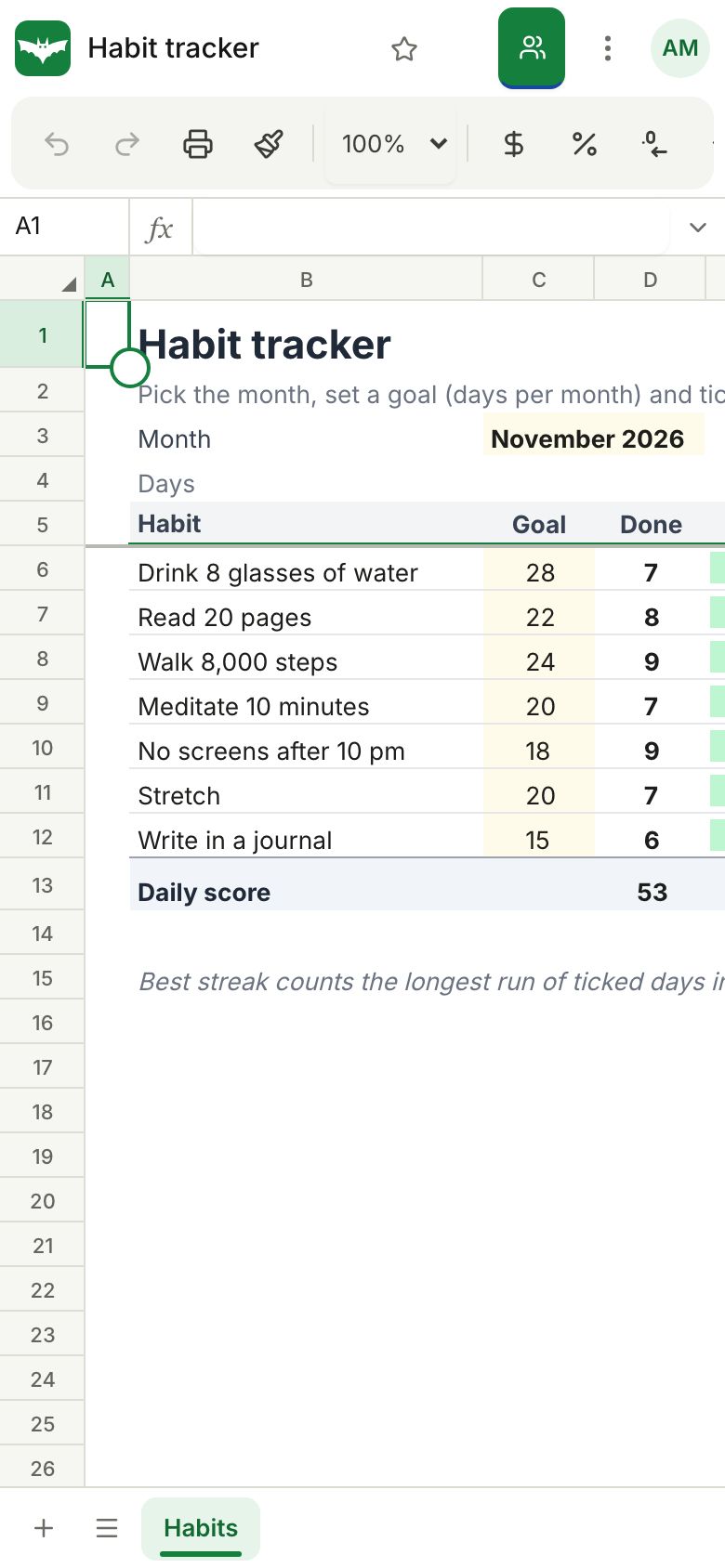
Made for touch
Tap to select, drag the handles to extend a selection, double tap to edit and pinch to zoom. Menus and settings open as bottom sheets you can reach with one thumb.
The same workbook everywhere
Start a budget on your laptop and update it from your phone in the shop. Changes sync live, so everyone sees the latest numbers.
Install it like an app
Add SheetsBat to your home screen from the browser menu. It opens full screen, like any other app, with your sheets one tap away.
Questions about works on phones
Is there an app to download?
No download is needed. SheetsBat runs in the browser and you can add it to your home screen to open it like an app.
Which phones are supported?
Recent versions of Safari on iPhone and iPad and Chrome on Android phones and tablets.
Can I use formulas on a phone?
Yes. The formula bar, autocomplete and all 536 functions work on phones.
Does it work with a keyboard on a tablet?
Yes. Keyboard shortcuts work with a hardware keyboard on tablets.
Can I edit offline?
SheetsBat needs an internet connection to open and save workbooks.
Keep exploring
- CollaborationShare a workbook, edit it together and see who is where. Comment threads, share links with roles and version history keep everyone on the same page.
- TemplatesStart from a ready made budget, invoice, loan schedule, Gantt chart, dashboard or tracker. Every template is free, with working formulas and charts.
- OfficeBats DriveKeep spreadsheets, documents and PDFs in one OfficeBats Drive shared by every Bats app. Open files from it in SheetsBat and save copies back with one click.
See it for yourself
Open a blank sheet or a template. No account needed to try it.